Valves
Choose between All-in-one Sealed Rough valves and modular valves to compose.
All-in-one
Sealed Rough
Modular
Thermostatic #1
Diverters #2
Diverters #3
Diverters #4
Valve orientation
Controls
Pick a ready-to-use faucet or combine modular elements to match your valve layout.
All-in-one
Block Faucet
Modular
Modular Trim
Components
Browse wall and ceiling components, then assign them to the available shower positions.
Showerheads
Showerheads I
Showerheads J
Showerheads K
Showerheads L
Wall Showerheads L
Wall Showerheads C
Wall Showerheads R
Accessories C
Accessories D
Accessories E
Accessories F
Accessories G
Accessories H
Accessories M
Pipes
Map every outlet to a component and fine-tune the shower experience.
Finishes
Compare available finishes and apply them to components selected in the scene.
Select an element in the scene to choose a finish.
Finishes
Summary
Review the configured shower, export a PDF, save the link, or view it in your real space.
Upload
Import new 3D assets to expand the library and test them immediately in the scene.
0 components / 0 outlets
GRAFF Shower v0.3
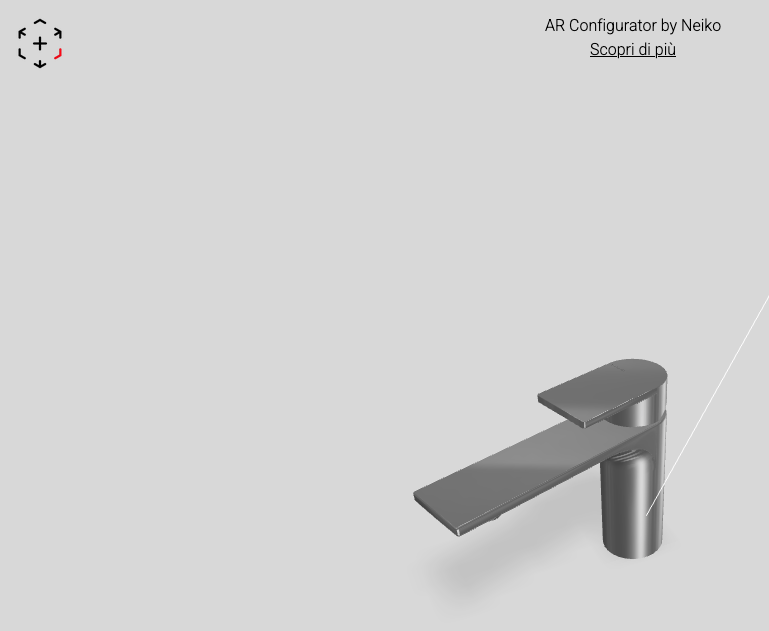
Scan the QR code with your phone to view the object in AR:
Download your configuration:
Welcome to the Graff Shower configurator
Navigation controls
- Rotate the scene: drag with the left mouse button.
- Zoom: use the mouse wheel or pinch gesture on the trackpad.
- Pan: hold ⇧ Shift and drag the mouse to move the framing.
Configuration path
Select the most suitable flow and start configuring.
AR instructions

Aim the camera at the ground or a flat surface and slowly move the device from left to right to scan the area.
Once the surface is detected, tap the screen to place the product.
Move the product by dragging it across the surface with one finger on the screen.
Resize or rotate the product using two fingers on the screen.